
Collaboration is seamless when multiple people or teams need to work on a content request form. To share a form, users have two simple options.
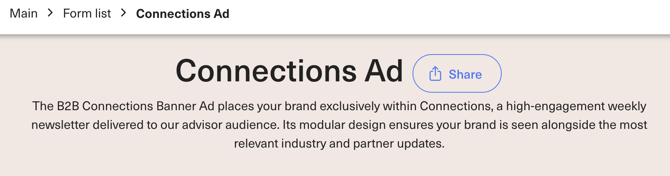
The first option is to click the share button located next to the form’s title. This allows you to send the form directly to colleagues or teammates, granting them immediate access to view or edit the content.
Alternatively, you can copy the link from the search bar and share it through email, chat, or any other communication platform. This gives flexibility for teams to access the form at their convenience without needing to navigate through the app.
Neither of these methods require the recipient to sign in, however to access the full form list, they will be required to login.
*Note: Before sharing a completed or partially completed form, to save your progress you must complete the entirety of the page for fields to be saved. For more information, review this article on how to save your progress.