Teams work on different production schedules, and the content collection app has made it easier than ever to get ahead, and plan in advance.
Once you access the content collection app through the Member Portal or direct link, you can click "Form list" on the top left corner. You may be prompted to login again.
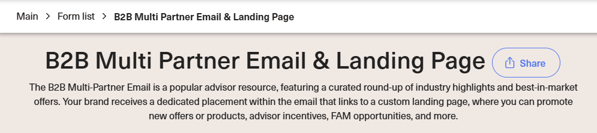
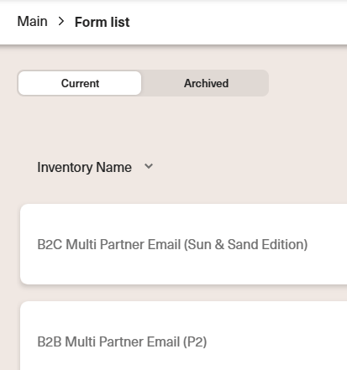
From this page, you are able to see any current products that are in progress or upcoming in the future. If you toggle to "Archived", you can see all the completed products in the past.
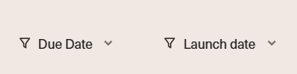
To make it easier to see what is upcoming, and when it is due, you can filter by "Due Date" or "Launch Date". When you click either of these fields, the list will sort the column by either ascending or descending order. This makes it easy to view key information such as the product name, important dates, and its status to make it easy to plan ahead, and create a production plan that works for your team.
Feel free to get started early on any products, even if requests have not been sent out yet. You can hit the pencil button to start filling out the form, and if you have already completed the form you can view the preview of what you submitted prior to getting a proof back.