
There are multiple ways to log in to the Content Collection App and access the required submission forms outlined below.
- Through the Member Portal
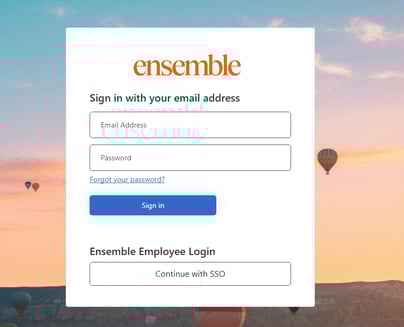
- Login to the Member Portal with the credentials you originally signed up with
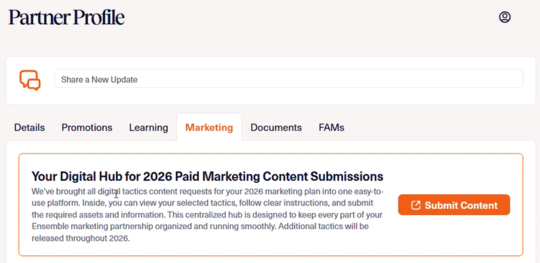
- Navigate to the Marketing tab of your Partner Profile
- Click on the Submit Content button to navigate to the Content Collection App
- Here, you will be able to see all the products in the upcoming calendar year that have been added to your marketing plan, and the corresponding forms to be filled out
2. Through an Email Link
- The content collection app will send an automated email with the form link to the email address you use to sign into the member portal
- Clicking the link will direct you into the app, and the URL can be shared amongst your team, which will not prompt them to log in
3. Through the Form List tab
- Once you access the form, you can click "Form list" on the top navigation bar

- From the Form list page, you are prompted to log in
- Login using the same credentials used for the Member Portal
- Now you are able to view the forms for all products signed onto the current calendar years marketing plan