.png?width=350&height=83&name=EN_MemberMarketing%20(3).png)
Marketing Personalization is managed in your member portal profile.
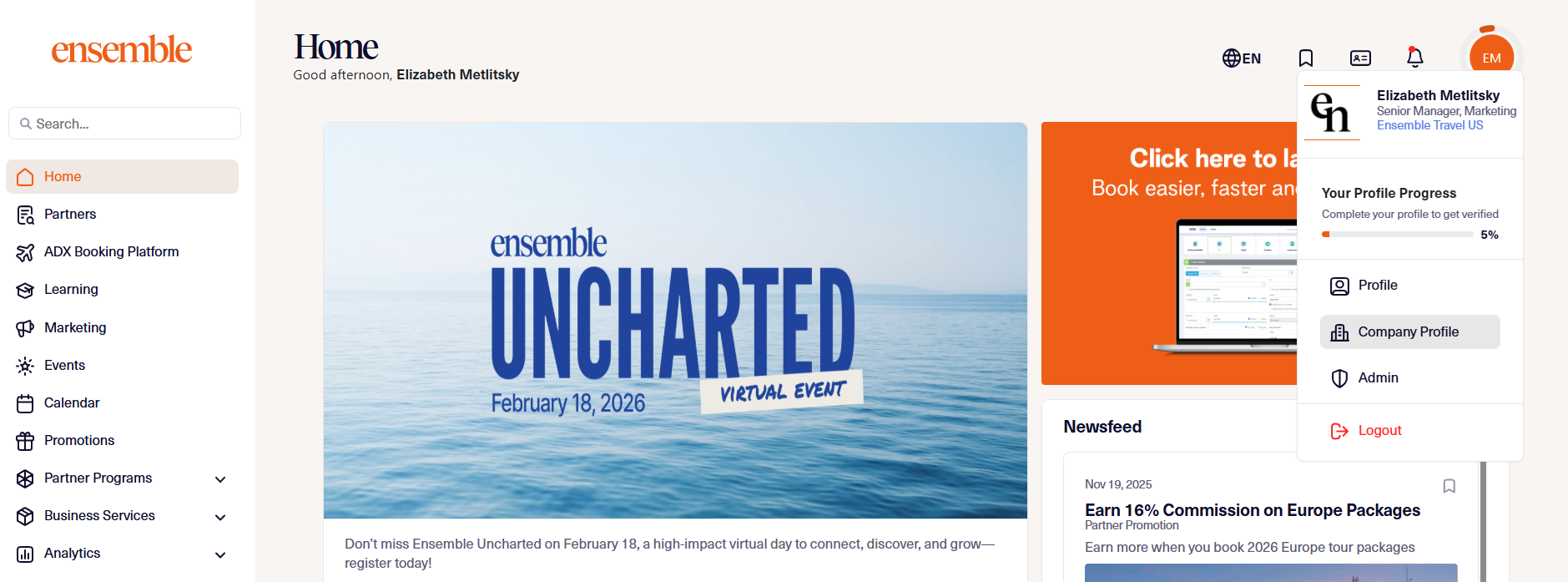
1. Begin by navigating to your Company Profile.
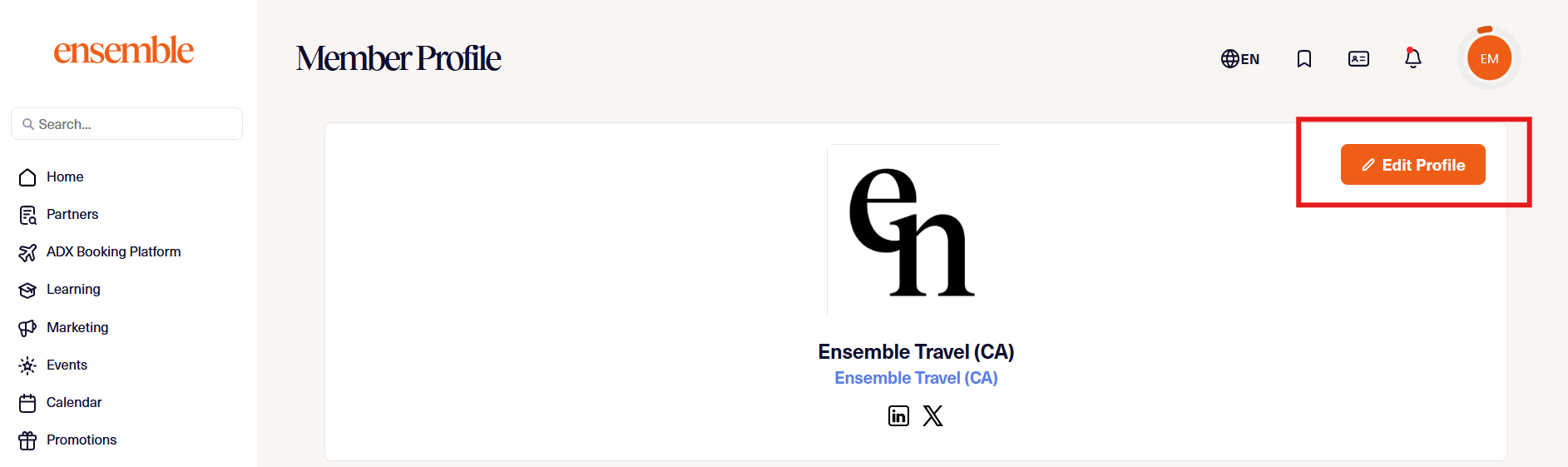
2. Click edit profile.
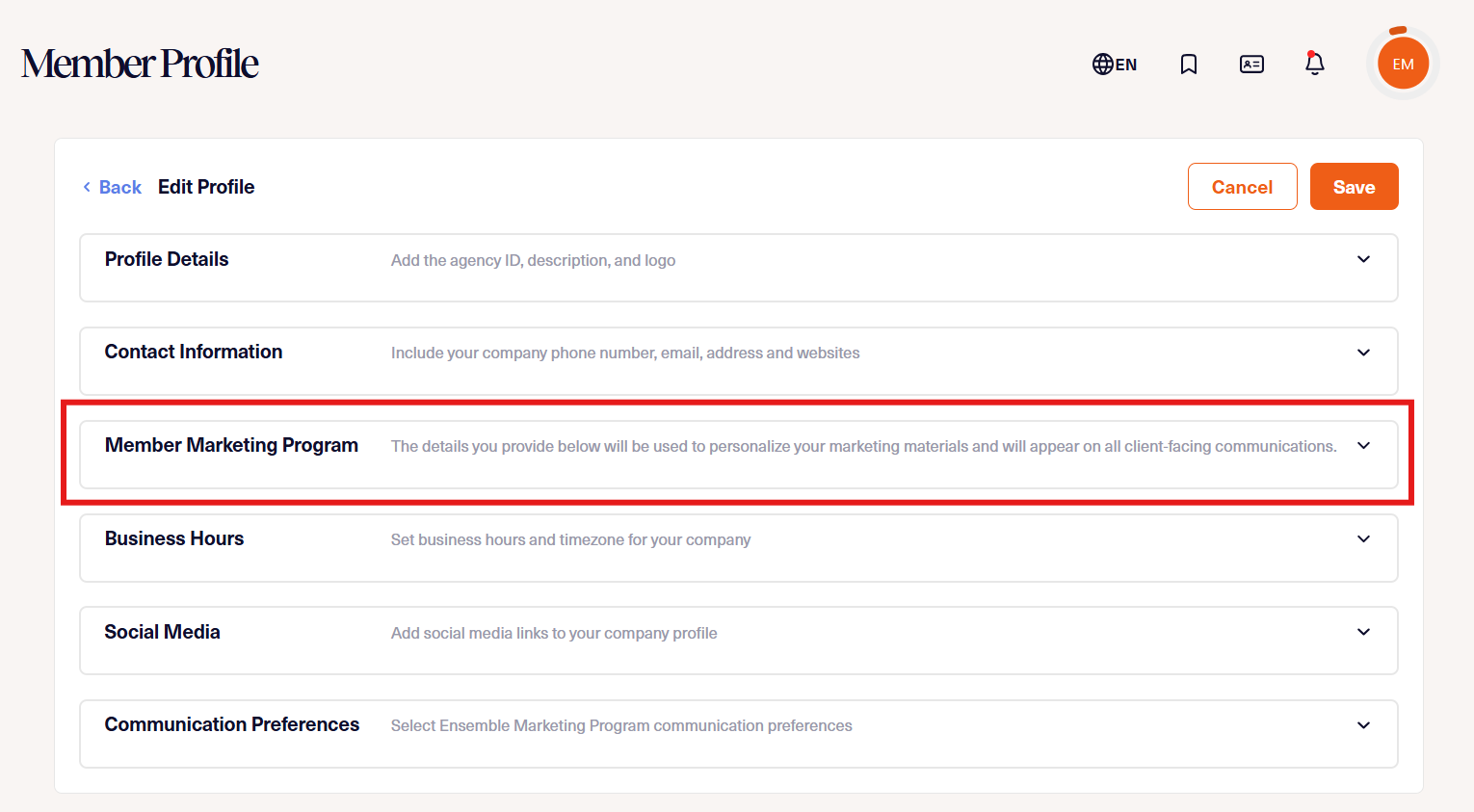
3. Navigate to Member Marketing Preferences.
4. Complete your updates and Save.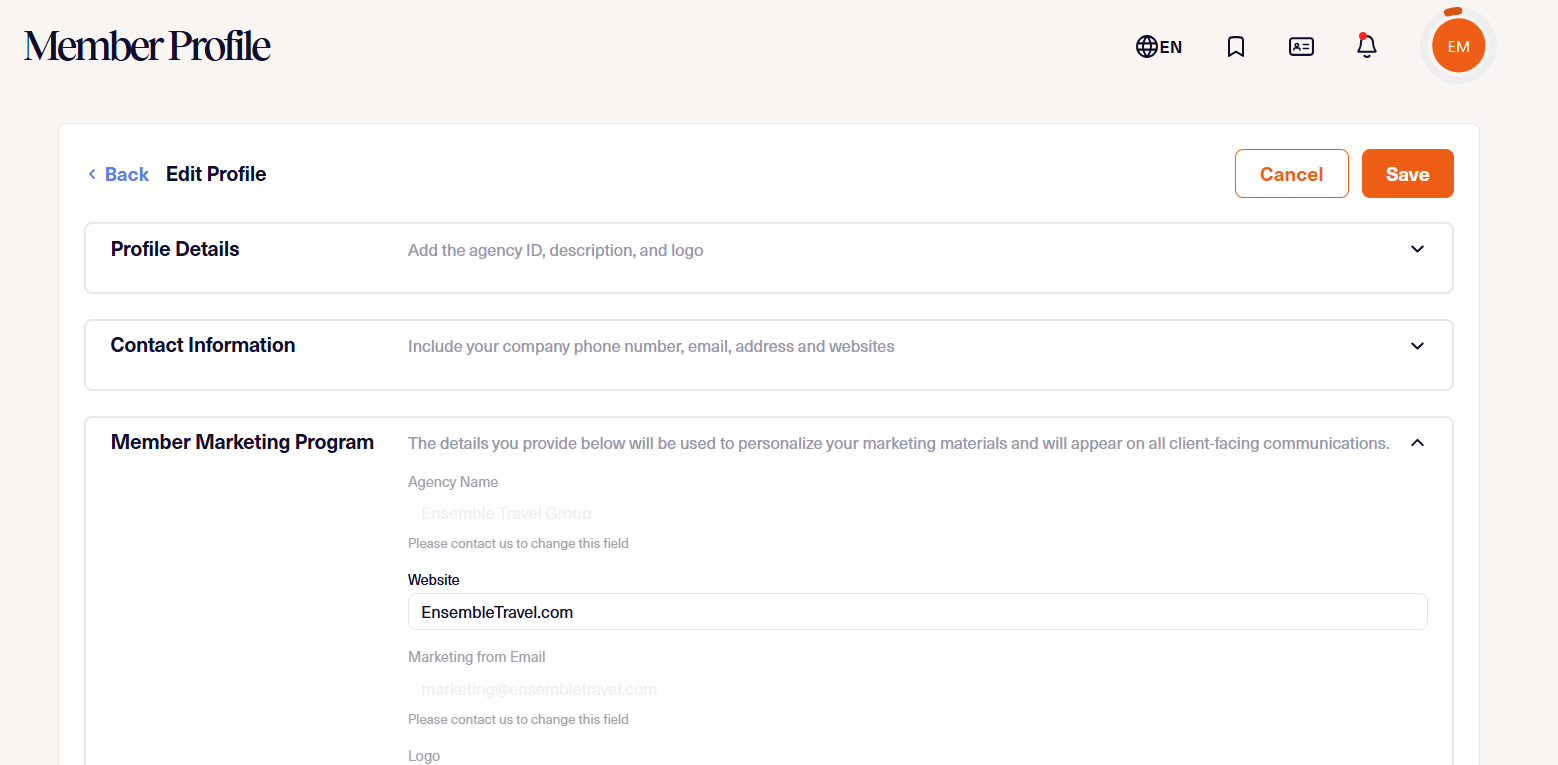
Please note: to update your agency name, email, logo, and marketing language, please contact us.